Insurance Verification
Insurance pre-verification at intake — not the morning of the appointment
Intakeful runs an eligibility check automatically when the patient completes their intake form. Your front desk sees verification status days before the appointment — eliminating the morning-of scramble.
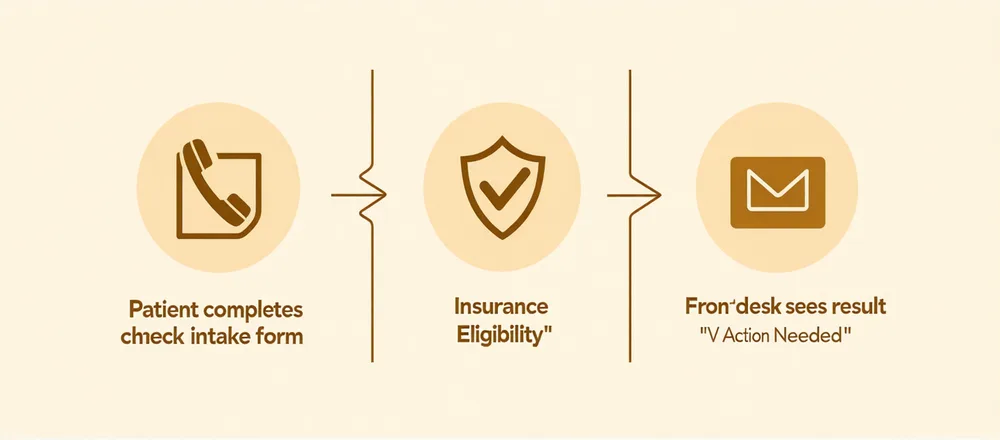
The Verification Workflow
How verification works in the intake flow
Patient provides insurance at intake
The intake form collects insurance carrier, member ID, and group number as part of the standard intake flow. The patient enters this once — no separate forms or portals.
Eligibility check runs at submission
When the patient submits the intake form, Intakeful runs an automated eligibility check against major commercial plans. Results appear in the front-desk dashboard within minutes.
Front desk sees status before appointment
The triage dashboard shows each patient's verification status: Verified, Action Needed, or Pending. Copay and deductible information surfaces where available. No morning-of call required.
Supported Payers
Major commercial plans
Intakeful's eligibility checks connect to major commercial insurance plans — including the major regional and national carriers commonly used by behavioral health practices. We don't publish a list of 100 insurers; we support the major commercial plan landscape that covers the majority of behavioral health outpatient patients.
For practices with Medicaid or state-specific plan populations, contact us to confirm coverage for your state's plans.
Mental Health Parity Note
Mental Health Parity and Addiction Equity Act
Intakeful surfaces whether a patient's plan is subject to the Mental Health Parity and Addiction Equity Act (MHPAEA) and flags common parity-relevant benefit structures. This is an informational signal — not legal or billing advice. Your billing staff determines the appropriate billing approach for each payer relationship.
Front Desk Impact
What changes when verification runs at intake
No more morning-of verification calls
Verification status is visible days before the appointment. Front desk can address "Action Needed" situations while there's still time — not at check-in when the patient is already waiting.
Copay and deductible information at check-in
Where available, verification surfaces copay and deductible information so front desk can set accurate payment expectations at check-in — reducing billing surprises for patients and practices.
"Action Needed" flag for unverifiable plans
When automatic verification returns an inconclusive result, the patient record is flagged "Action Needed" — prompting a targeted outreach call rather than a routine call for every patient.
Verification status in the triage view
Insurance verification status appears alongside triage level in the front-desk dashboard — a complete pre-appointment picture in one view, not scattered across systems.
See verification in context
Watch insurance verification run as part of a live intake flow
We'll walk through a complete intake: patient form, screening, triage routing, and insurance verification status — all in the same front-desk dashboard view.