Workflow
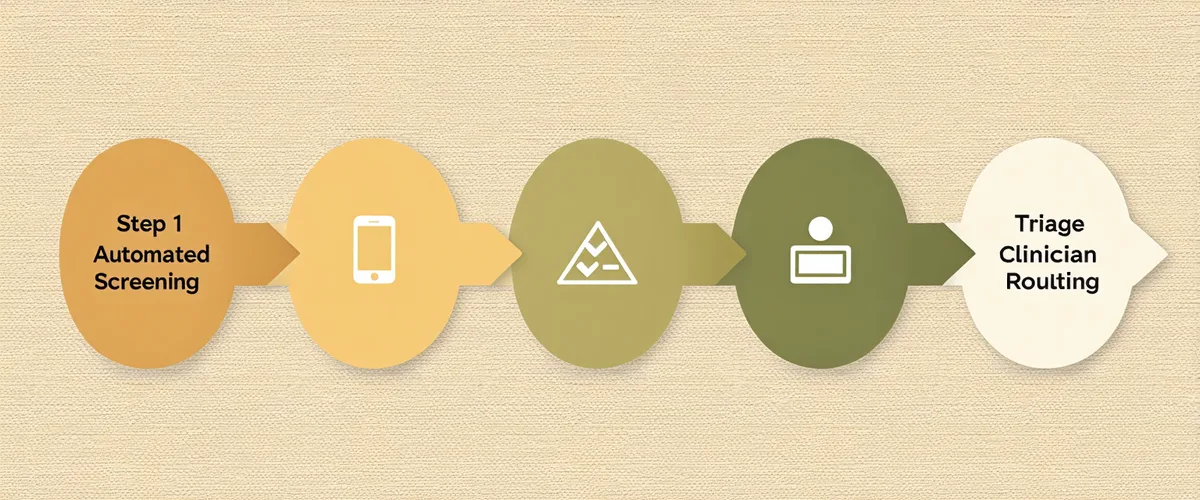
How intake triage works — from patient form to clinician handoff
Five coordinated steps that move a new patient from intake link to a front-desk triage view. Each step includes a data handling note.
Patient Experience
Patient receives a secure intake link
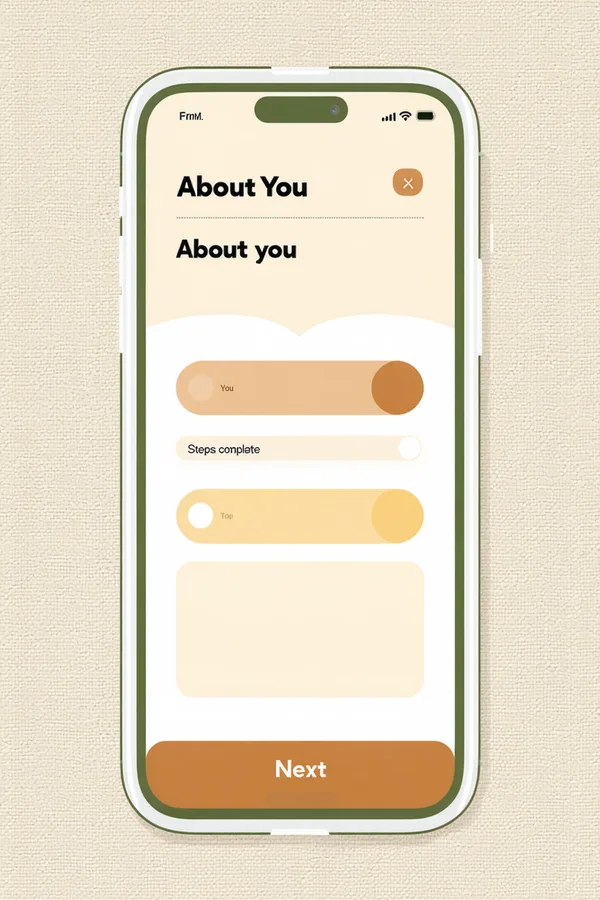
When an appointment is scheduled, Intakeful sends the patient a text or email with a unique, secure link to their intake form. No portal account required. The form is mobile-first, keyboard-accessible, and available in English and Spanish. A progress indicator shows the patient how far along they are — reducing form abandonment.
Automated Screening
Validated screening tools run automatically
Based on the patient's chief complaint, Intakeful activates the appropriate validated screening instruments. PHQ-9 for depression, GAD-7 for anxiety, Columbia Suicide Severity Rating Scale for suicide risk, AUDIT-C for alcohol use, PCL-5 for trauma/PTSD. Scores calculate on submission. No manual scoring. Your clinical director configures which tools activate for which chief complaints.
Triage Routing
Triage routing assigns an urgency level
Intakeful's routing engine applies your practice's configured thresholds to assign each intake a triage level: Routine, Watch, or Urgent. Urgent routing can trigger an immediate front-desk notification and an optional SMS to the clinical supervisor. Your practice can configure optional warm-transfer to a crisis resource for extreme risk flags. Crisis protocol integration note: Intakeful does not replace crisis line protocols (988 Lifeline) but can route Urgent-flagged patients to your configured crisis response workflow.
Front Desk View
Front desk sees a clean triage dashboard
Your front desk staff sees a single dashboard showing all pending intakes with triage level (color-coded), screening score summary, insurance pre-verification status, and assigned clinician match. No more hunting through email or paper forms. Urgent-flagged intakes are shown prominently. Incomplete intakes trigger an automated reminder to the patient at 48h and 24h before appointment.
Clinician Handoff
Clinician receives a pre-appointment summary
Before the appointment, the assigned clinician receives a pre-session summary: chief complaint, relevant screening scores with score interpretation, triage level rationale, insurance verification status, and any risk flags requiring clinical attention. The clinician arrives informed — reducing the time spent on intake review during a 50-minute session.
Compliance at Every Step
Data handling is designed in, not bolted on
Intakeful is designed to support compliance with HIPAA Privacy and Security Rules and 42 CFR Part 2 confidentiality requirements at every step of the intake flow — not as an afterthought.
- TLS encryption in transit, encrypted at rest
- Role-scoped access controls (minimum necessary)
- Full audit log of intake events and triage decisions
- 42 CFR Part 2 aware handling for substance use intake data
- Business Associate Agreement available on all plans
EHR Integrations
Connects to the EHRs your practice already uses
Intake data pushes to your EHR at the clinician handoff step. Setup is 1–3 days for API-connected EHRs.
Integration support — not an official partnership
Ready to see it in your practice?
See the full intake flow in 30 minutes
We'll walk through every step — patient form, screening, triage routing, and front-desk dashboard — configured for a practice your size.